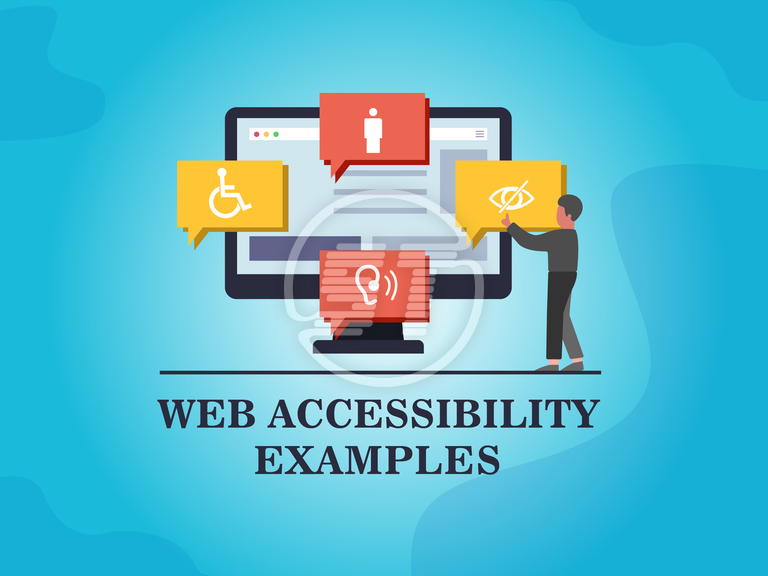
Understanding the Basics of Web Accessibility: Key Principles and Guidelines
Web accessibility refers to the inclusive practice of ensuring that everyone, regardless of their abilities or disabilities, can access and interact with the web. Understanding the basics of web accessibility is crucial for developers and designers who aim to create a user-friendly experience for all. The main principles of web accessibility are often encapsulated in the WCAG (Web Content Accessibility Guidelines), which provide a comprehensive framework to evaluate and enhance web content. These principles are organized into four key areas: Perceivable, Operable, Understandable, and Robust. Organizations that adhere to these principles not only comply with legal requirements but also expand their audience reach and enhance overall user satisfaction.
To implement web accessibility effectively, one must understand and apply various guidelines that focus on different aspects of user interaction. For instance, using semantic HTML is vital; it helps assistive technologies interpret the structure and meaning of the content. Additionally, providing alternative text for images ensures that visually impaired users can understand visual content through screen readers. Furthermore, maintaining a consistent navigation and ensuring that all interactive elements are keyboard-friendly are essential for creating an operable experience. By prioritizing web accessibility, digital creators can foster an inclusive online environment where everyone can engage with their content.
Top 10 Web Accessibility Mistakes to Avoid
Ensuring web accessibility is crucial for creating an inclusive online environment. However, many developers often encounter common pitfalls that can hinder accessibility efforts. Here are the top 10 web accessibility mistakes to avoid:
- Ignoring Alternative Text for Images: Omitting alt text can leave visually impaired users in the dark about your content.
- Neglecting Keyboard Navigation: Failing to allow keyboard navigation can exclude users with mobility impairments.
- Using Color as the Sole Means of Conveying Information: This can create issues for color-blind users.
- Not Providing Sufficient Color Contrast: Poor contrast affects readability for many users.
- Overloading with Multimedia: Not providing transcripts or captions excludes users who are deaf or hard of hearing.
- Using Complex Language: Maintain simplicity for users with cognitive disabilities.
- Failing to Structure Content Properly: A lack of headings and lists can obscure the content’s organization.
- Ignoring ARIA Roles: Misusing or neglecting Accessible Rich Internet Applications (ARIA) roles can confuse assistive technologies.
- Skipping Link Context: Always provide clear context for hyperlinks to aid navigation.
- Not Testing with Actual Users: Real user feedback is essential to identify accessibility gaps.
How to Create Inclusive Online Experiences for Everyone
Creating inclusive online experiences is essential for ensuring that all users can access and benefit from your content. Start by conducting a thorough accessibility audit of your website or platform. This can involve checking for visual accessibility by ensuring adequate color contrast and providing alternative text for images. Consider implementing keyboard navigation options for users who may struggle with a mouse and ensure that your text is easy to read with appropriate fonts and sizes. Additionally, consider incorporating multimedia content that includes captions and transcripts, aiding those with hearing or visual impairments.
Moreover, it's crucial to embrace diversity in user experience design. Engage with users from various backgrounds to gather feedback and insights on their specific needs and preferences. This can include creating user personas that reflect different demographics and situations. Utilizing resources like persona-based testing can help you understand how various groups interact with your content, ensuring that your design is user-friendly for everyone. Ultimately, fostering an inclusive online environment not only enhances user satisfaction but also broadens your audience reach, paving the way for a more equitable digital landscape.